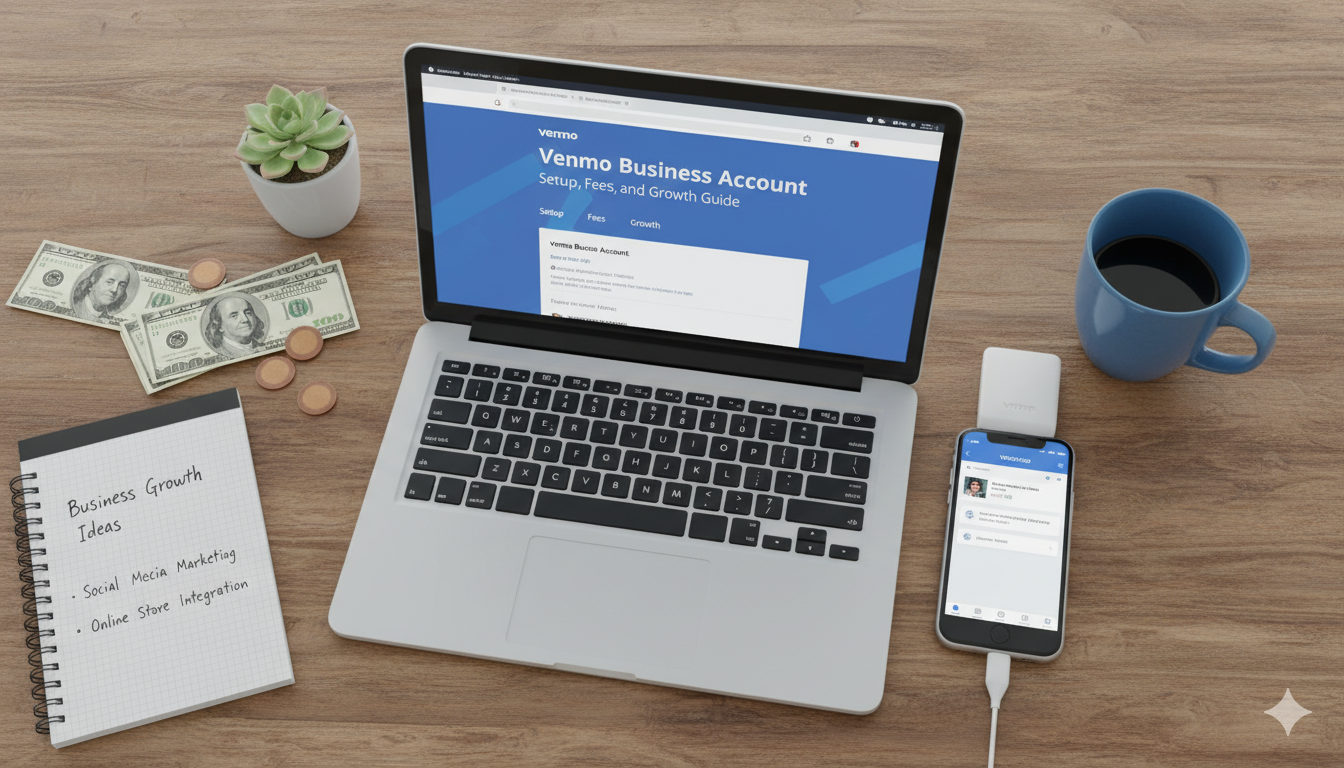
Have you ever been at a farmer’s market or a craft fair and heard a customer ask, “Do you take Venmo?” Most of us use Venmo to split a pizza or pay back a friend for coffee. However, if you are selling a product or a service, using your personal profile for business is actually against the rules. That is where the Venmo business account comes in. It is a professional way to accept payments while staying on the right side of the law.
In 2026, over 85 million people use this app. By opening a business profile, you tap into a huge community of shoppers who already have their credit cards linked and ready to go. It makes buying from you as easy as sending a text message. In this guide, we will break down how to set up your account, what fees you can expect, and how the social feed can act like free advertising for your brand.
What Exactly Is a Venmo Business Account?
A Venmo business account is a special profile designed for people who sell things. Unlike a personal account, which is just for friends, this version lets you represent your brand. You get to add a logo, a business description, and even a background photo that shows off your work. It is essentially a digital storefront that lives right inside the app your customers already love.
One of the coolest parts is that it stays linked to your personal login. You do not need a whole new email or password. You simply tap your profile picture and switch between “Personal” and “Business” modes. This helps you keep your grocery money separate from your hard-earned business profits. It is simple, clean, and built for the modern entrepreneur who is always on the move.
The Top Benefits for Small Business Owners
Why should you bother with a Venmo business account instead of just taking cash? The biggest reason is trust. When a customer sees a professional business profile with a logo and verified info, they feel much safer. They know that if something goes wrong, there are formal records of the transaction. Plus, you get access to features like tipping, which can really boost your income if you provide services like hair styling or tutoring.
Another huge win is the social aspect. When a customer pays you, they can choose to share that purchase on their feed. Their friends see that they just bought a cool plant or a handmade shirt from you. This is basically a digital “word of mouth” recommendation. It helps new people find your business without you having to spend a single penny on expensive ads or complicated marketing campaigns.
Understanding the Fee Structure in 2026
Let’s talk about the part every owner cares about: the cost. While personal transfers are usually free, a Venmo business account does have a small fee. This is how Venmo keeps the lights on and provides you with tax documents. As of 2026, the standard seller transaction fee is 1.9% + $0.10 for every payment you receive over $1.00.
While no one likes fees, these rates are very competitive compared to other big payment processors. Think of it as a small “convenience tax” that allows you to accept credit cards and digital wallets without needing a bulky card reader.
How to Set Up Your Profile Step-by-Step
Getting started with a Venmo business account is surprisingly fast. If you already have the app, you are halfway there. First, open the app and go to your “Me” tab. Look for the settings gear or a button that says “Create a Business Profile.” The app will walk you through a few screens where you enter your business name and a short bio.
Next, you will need to provide some tax information. Depending on how your business is set up, this might be your Social Security Number (SSN) or an Employer Identification Number (EIN). Venmo needs this to send you a 1099-K form at the end of the year if you hit certain sales targets. Once you hit “Publish,” your profile is live! You can start showing your QR code to customers immediately.
Using QR Codes for Faster In-Person Sales
One of the best tools included with your Venmo business account is the unique QR code. You can find this in your business profile settings. Many owners like to print this code out and put it on their counter or at their booth. Instead of typing in a username and hoping they found the right person, the customer just opens their camera, scans the code, and hits “Pay.”
This “scan to pay” method is not just fast; it is also very safe. It prevents typos and ensures the money goes to the right place every time. In 2026, most people prefer contactless payments anyway. Having your QR code ready shows that you are a modern, tech-savvy business that respects your customers’ time and safety.
Tax Reporting Made Easy for Entrepreneurs
Filing taxes is often the biggest headache for small business owners. However, a Venmo business account helps take the pressure off. Because every business transaction is tagged correctly, you can download a clean report of your yearly earnings. You won’t have to scroll through months of personal “rent” or “dinner” payments to find your actual sales.
When you reach the IRS reporting threshold, Venmo will automatically generate a 1099-K form for you. This document lists exactly how much money you made through the app. You can simply hand this to your accountant or plug the numbers into your tax software. It ensures you are staying legal and helps you avoid any scary surprises or audits from the IRS.
Venmo Business vs. Personal: The Key Differences
A common question is: “Can’t I just keep using my personal account?” The answer is technically no, but the reasons why are more about features than just rules. A Venmo business account offers tools that a personal account simply doesn’t have. For example, you can’t get a 1099-K or professional analytics on a personal profile.
If you use a personal account for sales, Venmo might actually freeze your money or close your account. It is much better to be professional from the start.
The Power of the Venmo Social Feed
The social feed is the secret weapon of the Venmo business account. When a client buys something from you and leaves a fun note (like “Best birthday cake ever!”), their entire friend list might see it. This acts as a powerful endorsement. People trust what their friends buy more than they trust any billboard or Instagram ad.
You can encourage this by asking your customers to leave a fun emoji or a nice comment when they pay. As an owner, you can also interact with these payments by “liking” the transactions or replying with a “Thank you!” This builds a community around your brand. It turns a simple transaction into a lasting relationship, which is the key to getting repeat customers.
Managing Your Limits and Cash Flow
Cash flow is the lifeblood of any company. With a Venmo business account, you have a lot of flexibility in how you handle your money. Once you verify your identity, you can usually send up to $25,000 per week. This is plenty for most small businesses and side hustles.
When it comes to getting that money into your bank, you have two choices. You can use the Standard Transfer, which is totally free and takes about 1 to 3 days. If you are in a rush to pay a supplier, you can use the Instant Transfer. This sends the money to your bank or debit card in minutes for a 1.75% fee. Having these options lets you manage your money in a way that fits your specific needs.
Common Mistakes to Avoid With Your Account
Even though it is easy to use, some owners make mistakes with their Venmo business account. One big one is forgetting to add a profile picture. A blank profile looks suspicious to customers. Another mistake is not turning on notifications. If someone sends you a payment, you want to know right away so you can confirm the order.
Lastly, make sure you don’t treat your business balance like a personal piggy bank. While it is easy to spend your Venmo balance on your own shopping, it is better for your bookkeeping to transfer that money to a dedicated business bank account first. Keeping your records clean from day one will save you hours of work when tax season rolls around.
Conclusion: Is Venmo Right for Your Business?
In the fast-paced world of 2026, giving your customers an easy way to pay is a must. A Venmo business account bridges the gap between a casual side hustle and a professional brand. It offers the perfect mix of social marketing, easy tax reporting, and a name that people already trust.
Whether you are selling handmade jewelry, mowing lawns, or consulting on projects, this tool is designed to help you grow. It removes the friction from the checkout process, making it more likely that a “window shopper” turns into a paying customer. Ready to take the leap? Open your app today and start building your business profile!
Frequently Asked Questions (FAQs)
1. Can I have both a personal and a business account? Yes! In fact, you must have a personal account to open a business profile. They are linked together under one login, so you can easily switch back and forth.
2. Do my customers need a Venmo account to pay me? Usually, yes. However, you can also accept payments through the app via “Tap to Pay” if you have a compatible iPhone or Android, which allows them to use their physical credit cards.
3. Is there a monthly fee for a Venmo business account? No, there are no monthly subscription fees or sign-up costs. You only pay the transaction fee when you actually make a sale.
4. How do I get my 1099-K tax form? Venmo will make this form available in your app or via email if you meet the IRS reporting requirements. You can also download your transaction history at any time.
5. Can I use Venmo for international sales? No. Currently, both you and your customers must be located in the United States and have U.S. bank accounts to use Venmo.