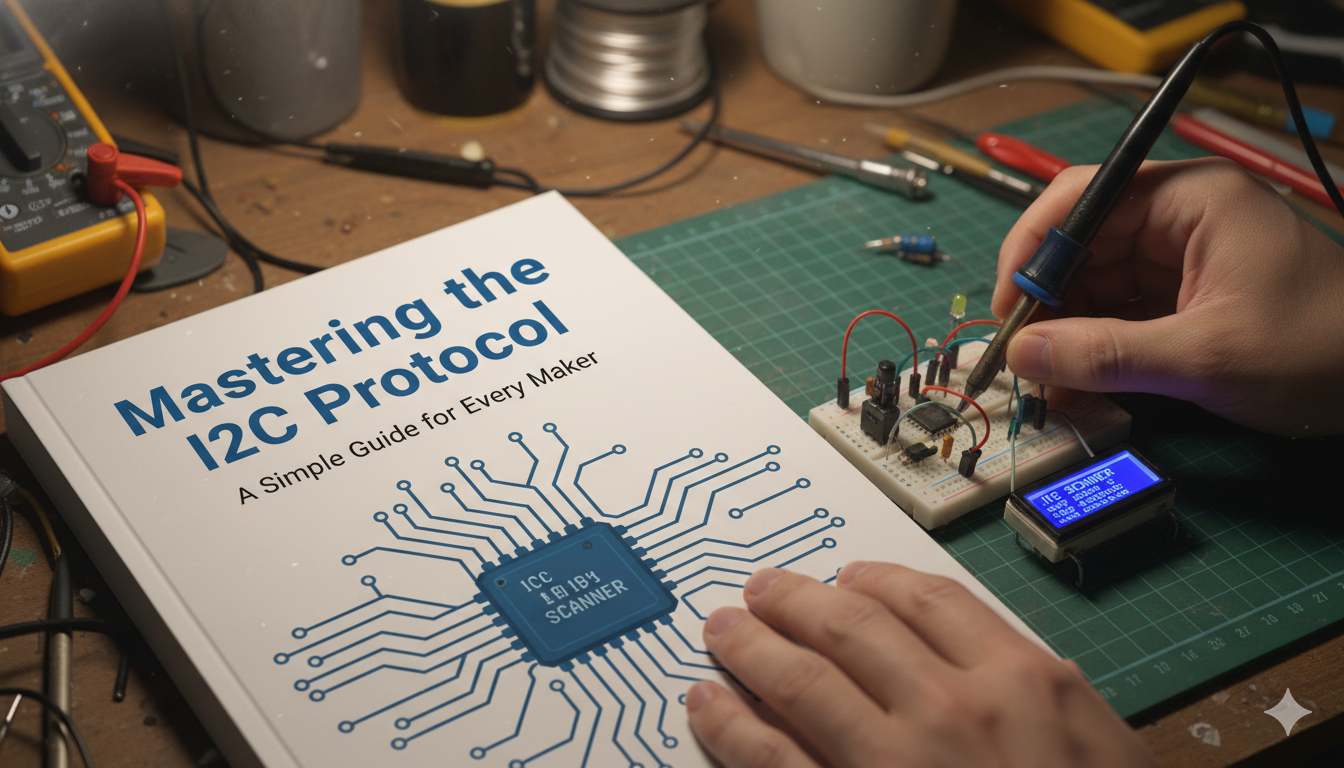
Have you ever wondered how the tiny parts inside your phone or robot talk to each other? They use a special language called the i2c protocol. Think of it like a school bus system for data. Instead of having a hundred wires for every little part, this clever system lets many parts share just two wires. It was invented a long time ago by Philips, but it is still the most popular way to connect sensors, screens, and memory chips today. Whether you are building a smart home or a school project, understanding this system is your first step toward being a tech pro.
The i2c protocol is amazing because it keeps things neat. If you used separate wires for everything, your circuit board would look like a bowl of messy spaghetti! With this setup, everything stays organized and clean. In this guide, we will break down how it works using very simple words. You do not need to be a scientist to get it. We will look at the wires, the rules of the conversation, and why so many people love using it in 2026. Let’s dive in and see how your gadgets actually “chat” with one another behind the scenes.
What Exactly is the I2C Protocol?
The i2c protocol stands for Inter-Integrated Circuit. That sounds like a big, scary name, but it just means “parts talking on a board.” It is a synchronous, multi-master, multi-slave, packet-switched, single-ended, serial communication bus. That is a lot of fancy words! In simple terms, it means one main brain (the master) can talk to many little helpers (the slaves). Because it is “synchronous,” the parts use a clock to stay in perfectly timed rhythm. It is like a dance where everyone moves at the exact same beat so nobody bumps into each other.
When you use the i2c protocol, you only need two main lines. One line sends the data, and the other line keeps the time. This makes it a “serial” connection because the bits of info travel one after another in a single line. Imagine a row of ants carrying crumbs; they go one by one until the job is done. This system is perfect for short distances, like inside a plastic case or on a small green circuit board. It is reliable, cheap, and very easy to set up for beginners and experts alike.
Meet the Two Magic Wires: SDA and SCL
To make the i2c protocol work, we use two very important wires. The first one is called SDA, which stands for Serial Data. This is the path where the actual information travels. It carries the “hello,” the temperature readings, or the instructions for a screen. The second wire is called SCL, which stands for Serial Clock. This wire acts like a drumbeat. It tells the chips exactly when to look at the data wire so they don’t miss a single bit of the message.
Without the SCL line, the i2c protocol would get very confused. Imagine trying to read a book while someone flips the pages at random speeds. You wouldn’t be able to keep up! The clock wire ensures that the master and the slave are always on the same page. Both wires need something called “pull-up resistors” to work right. These are like little springs that pull the signal back up to the power level when nobody is talking. This keeps the lines quiet and ready for the next important message to arrive.
How the Master and Slave Relationship Works
In the i2c protocol, there is always a leader. We call this leader the Master. Usually, this is your main controller, like an Arduino or a Raspberry Pi. The Master is the boss who starts the conversation. It decides which part to talk to and when to stop. The other parts are called Slaves. These are things like light sensors, tiny OLED screens, or motor drivers. They stay quiet and listen carefully until the Master calls their specific name.
Every Slave in the i2c protocol has its own unique address. Think of it like a house address on a long street. When the Master wants to know the temperature, it shouts the address of the temperature sensor. Only that specific sensor will answer “I’m here!” while all the other parts stay silent. This is why you can have many different devices on the same two wires without any hardware overlapping. It is a very polite and organized way for electronics to communicate without causing a big digital argument.
The Step-by-Step Way Data Travels
Sending a message using the i2c protocol follows a very strict set of rules. First, the Master pulls the SDA wire low while the clock is high. This is like a “Start” signal. Then, the Master sends the 7-bit address of the device it wants to talk to. After the address, it sends a single bit to say if it wants to “Read” info or “Write” a command. If the Slave hears its name, it sends back a tiny “Acknowledge” signal, which is like saying “Got it, boss!”
Once the connection is solid, the data starts flowing in 8-bit chunks. After every chunk, the receiver sends another “Acknowledge” signal to show the data arrived safely. This makes the i2c protocol very trustworthy because the Master knows if a message was dropped. When the conversation is over, the Master sends a “Stop” signal. This releases the wires so other parts can use them. It is a quick, efficient loop that happens thousands of times every second without you ever seeing it.
The Best Parts of Using I2C
One reason the i2c protocol is so popular is that it saves a lot of space. If you are making a small wearable device, you don’t have room for bulky cables. Since I2C only needs two wires, you can make your gadgets much smaller and lighter. Another great thing is that you can add more devices later. If you decide your robot needs a new compass, you just clip it onto the same two wires. You don’t have to change your whole design just to add one new feature.
The i2c protocol is also very smart at handling multiple masters. While most people only use one “brain,” the system allows for two or more controllers to take turns. It also has a built-in “ACK/NACK” system. This means the sender always knows if the receiver is actually listening. If a wire comes loose, the Master will realize the Slave didn’t answer and can show an error message. This makes fixing your projects much easier because you can find the problem quickly.
Comparing I2C to Other Systems (SPI and UART)
| Feature | I2C Protocol | SPI | UART |
| Number of Wires | 2 Wires | 4 Wires | 2 Wires |
| Speed | Medium (Up to 3.4 Mbps) | Very Fast (10+ Mbps) | Slow to Medium |
| Distance | Short (On-board) | Short (On-board) | Long (Room to Room) |
| Number of Devices | Many (up to 127+) | A few (needs extra wires) | Only 2 devices |
| Complexity | Simple Hardware | Complex Wiring | Very Simple |
As you can see in the table, the i2c protocol is the “middle ground” of the electronics world. It isn’t as fast as SPI, which is used for high-speed things like SD cards. However, it is much better than UART when you need to talk to ten different sensors at once. I usually choose I2C for 90% of my hobby projects because the two-wire setup is just so much easier to solder and manage. It keeps the “brain” of your project from getting overwhelmed with too many connections.
Common Problems and How to Fix Them
Even though the i2c protocol is great, things can sometimes go wrong. The most common issue is forgetting the pull-up resistors. If your data looks like gibberish or nothing happens, check if you have those resistors connected to the power line. Another common mistake is having two devices with the same address. Imagine two people named “Bob” in a small room; if you yell “Bob,” they both answer at once! You must make sure every device has its own unique ID number.
Another thing to watch out for is wire length. The i2c protocol was designed for short trips across a circuit board. If you try to run an I2C cable across your whole house, the signal might get weak and messy. If you really need to go long distances, you have to slow down the speed or use special “bus extender” chips. For most projects on your desk, though, a standard ribbon cable works perfectly fine. Just keep your wires tidy and avoid placing them near big magnets or power cables that cause noise.
Real-Life Examples of I2C in Action
Where can you find the i2c protocol in the real world? It is actually everywhere! Inside your laptop, the keyboard often uses I2C to talk to the main board. The battery in your phone uses it to tell the screen how much “juice” is left. Even the clock inside your microwave likely uses an I2C connection to keep the time accurate. It is the hidden hero of the digital age, working silently in the background of almost every electronic device you own.
In my own experience, I used the i2c protocol to build a small weather station. I had a temperature sensor, a pressure sensor, and a small display all connected to one tiny chip. Because they all shared the same two wires, I was able to fit the whole project inside a small mint tin! Without I2C, I would have needed a much bigger box and a lot more tape. This protocol makes it possible for creators to dream big while keeping their hardware small and efficient.
The Future of I2C in 2026
As we move through 2026, the i2c protocol is still evolving. Newer versions are coming out that are much faster than the original ones. We now have “Ultra-Fast Mode” which can send data at speeds we never thought possible years ago. Even with these updates, the core rules remain the same. This means that a sensor made ten years ago can still work with a computer made today. That kind of compatibility is very rare in the tech world, and it is why engineers love it.
We are also seeing more “Plug and Play” systems using the i2c protocol. Many companies now make sensors with special connectors so you don’t even have to solder. You just click them together like Lego bricks. This is making it easier than ever for kids and new hobbyists to start coding. The simplicity of the two-wire bus ensures that I2C will remain the standard for many years to come. It is a reliable bridge between our code and the physical world around us.
Quick Summary and Conclusion
To wrap things up, the i2c protocol is a brilliant way to let electronic parts talk. It uses just two wires (SDA and SCL) to create a smart, organized network. By using a Master and Slave system with unique addresses, it avoids confusion and keeps data flowing smoothly. While it might not be the fastest protocol on earth, its ease of use and low wire count make it the best choice for most everyday gadgets and DIY projects.
If you are just starting out, don’t be afraid to experiment! Grab an Arduino and a cheap I2C sensor, and try to read some data. It feels like magic the first time you see numbers pop up on your screen using only two wires. Learning this protocol opens up a whole new world of building. You can create robots, smart devices, or even your own custom tools. So, go ahead and start your next big idea today!
Frequently Asked Questions (FAQs)
1. How many devices can I connect to one I2C bus?
In theory, you can connect up to 127 devices using standard 7-bit addressing. Some special systems can even handle over 1,000! However, in real life, the electrical “weight” of the devices usually limits you to about 10 or 20 before the signal gets weak.
2. Can I use I2C for long distances?
I2C is best for short distances under 30 centimeters. If you need to go further, you should use a very slow speed or get a special “active terminator” chip. For very long distances, a system like RS-485 is usually a better choice.
3. What is the difference between I2C and IIC?
They are exactly the same thing! “I2C” is just a shorter way of writing “I-I-C” (Inter-Integrated Circuit). Some people also call it the Two-Wire Interface (TWI) to avoid trademark issues.
4. Do I always need pull-up resistors?
Yes! Without pull-up resistors, the SDA and SCL lines will “float,” which means they won’t have a clear signal. Most of the time, the data just won’t work at all without them. Some development boards have them built-in, so check your manual.
5. Is I2C faster than SPI?
No, SPI is generally much faster. SPI can reach speeds of 20MHz or more, while standard I2C is usually 100kHz or 400kHz. Use I2C for simple sensors and SPI for things like high-speed screens or cameras.